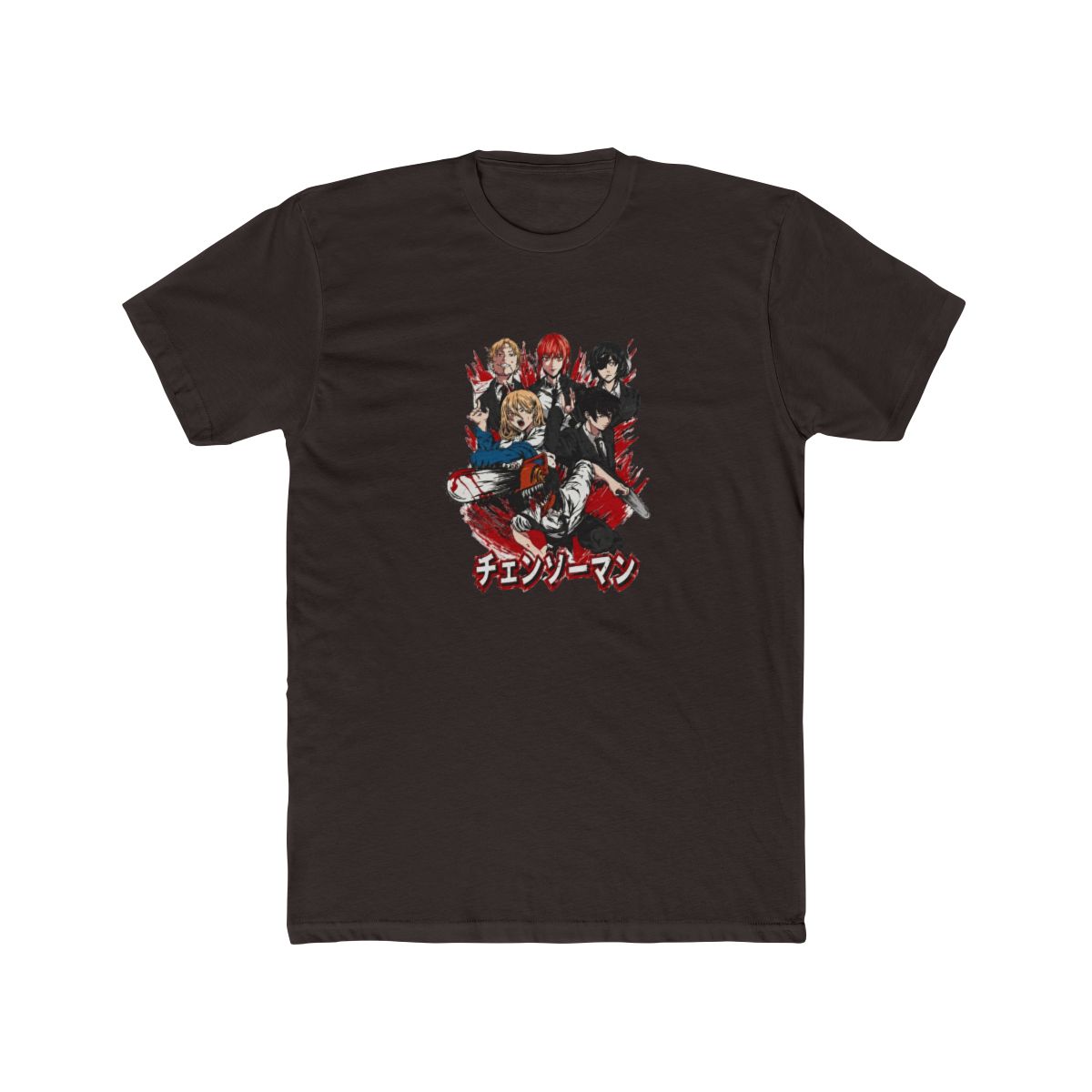
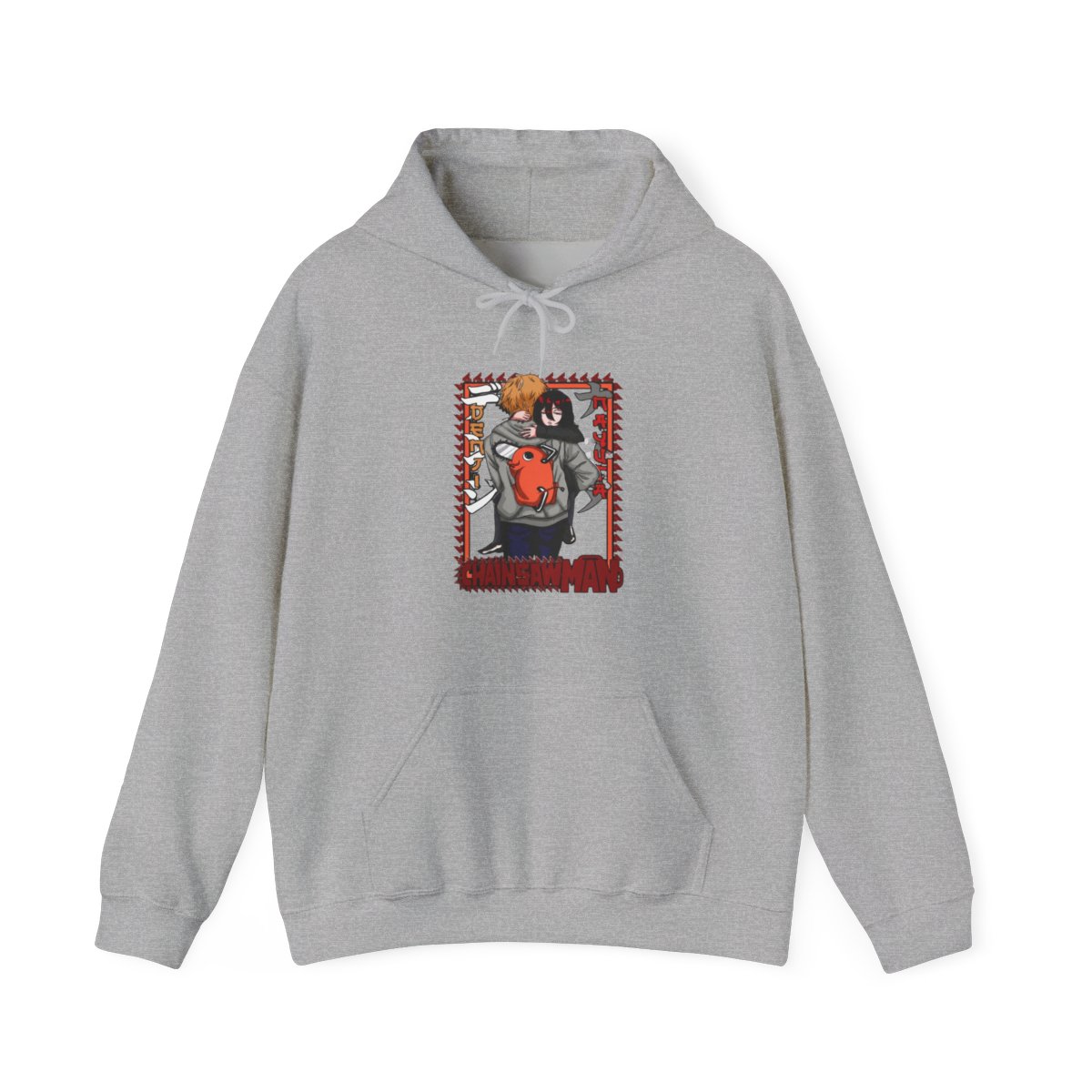
Over 42 percent of college students report at least one cracked or dented laptop by junior year. That's a repair bill that usually starts around $250 and climbs fast. A good sleeve is cheaper than a single textbook, and it keeps your device alive through lectures, bus rides, and late-night library sessions. If you want protection and personality, a Chainsaw Man laptop sleeve delivers both without looking like an afterthought.
I've spent years designing and printing anime-inspired merch, so I know exactly which materials hold up and which fade after a month. These five picks reflect real wear tests, not just the designs that screenshot well. Each one balances print durability, padding, and a design that actually reads from across a lecture hall.
Why Every Devil Hunter Needs a Laptop Sleeve This Semester
Your laptop is the most expensive thing in your backpack. It's also the most vulnerable. A sleeve absorbs the bumps, scrapes, and minor drops that happen daily between dorm, class, and the coffee shop. In my experience, students who skip protection end up with corner cracks, scratched lids, and frayed charging ports within two semesters.
Sleeves also add a layer of identity. When every student carries the same gray MacBook or black Dell, your Pochita-print sleeve makes your device instantly recognizable. That matters in crowded computer labs and shared study spaces where laptops get mixed up constantly.
Here's what separates a useful sleeve from a decorative one:
- Padding thickness: Look for at least 5mm of foam or quilted lining. Anything thinner won't absorb a drop.
- Water resistance: A water-repellent exterior protects against rain and spilled drinks. Check the material details, not just the listing photos.
- Zipper quality: Metal zippers outlast plastic ones and snag less often on fabric edges.
- Print placement: Designs printed on the center panel resist wear better than prints that wrap around edges.
Top 5 Chainsaw Man Laptop Sleeves for 2026
These five options cover the range of laptop sizes, budgets, and design preferences. I've included specific materials, dimensions, and price points so you know exactly what you're getting.
1. Pochita Plush-Print Sleeve
This is the design that gets the most compliments in the library. The Pochita character is printed in high-detail DTF (direct-to-film) on a soft polyester shell, with a premium foam layer that's 8mm thick. It fits 13-14 inch laptops and sells for $28. The print uses a textured ink that resists cracking, even after months of daily zipping.2. Denji & Chainsaw Blend Sleeve
For fans of the main character's journey, this sleeve features a bold denim-inspired background with a contrasting chainsaw motif. The 13 inch version runs $24, while the 15-16 inch size costs $29. The exterior is a twill weave that hides scratches well, and the interior has a microfiber lining that won't leave micro-scratches on your screen.3. Minimalist Emblem Sleeve
If you prefer subtle flexes, this design uses a small chainsaw emblem on a matte-black neoprene case. It's the lightest option at just 210 grams, making it ideal for students who carry their laptop everywhere. Prices start at $19 for 11 inch models and top out at $27 for 16 inch versions. Neoprene stretches slightly, so the fit tolerates slim and standard laptops alike.4. Aki & Quanxi Tribute Sleeve
This one pairs a dark, moody palette with clean line art of two fan-favorite characters. The 14 inch size is $26, and it fits most ultrabooks comfortably. It's the best choice for students who want an anime design that doesn't scream from across the room. The print is UV-resistant, so it won't wash out if you study near a window.5. Devil Hunter Starter Sleeve
Budget-conscious students, this one is for you. At $16 for 13 inch models and $21 for 15 inch, it's the most affordable way to get a Chainsaw Man laptop sleeve with decent protection. The 5mm foam padding is thinner than premium options, but it still handles daily campus commutes. The exterior is a 600D polyester that resists abrasion and light rain.How to Pick the Perfect Size for Your Device
Getting the size wrong is the most common mistake I see. A sleeve that's too big lets your laptop slide around inside, which actually increases the risk of impact damage. One that's too small strains the zipper and can scratch the corners.
Here's a practical sizing checklist based on real device dimensions:
- Measure your laptop's actual width and height in inches. Don't trust the screen size alone.
- Add 0.5 to 1 inch to each measurement for a snug but comfortable fit.
- Compare that result against the sleeve's listed interior dimensions, not the exterior size.
- If your laptop is a 2-in-1 with a chunky hinge, size up once to avoid pressure on the fold.
- For laptops with rubber feet that stick out, add an extra 0.25 inch to your height calculation.
Why screen size alone isn't enough
A 14 inch laptop from one brand can be 0.3 inches wider than another. The screen diagonal is a marketing number, not a physical spec. Check your device's exact model dimensions on the manufacturer's page, then match them against the sleeve's interior measurements. I once had a customer complain their 15 inch Dell didn't fit a sleeve labeled "15 inch," and sure enough, the sleeve was 0.4 inches too narrow.What to do if you're between sizes
When in doubt, size up. A slightly roomier sleeve is safer than one that barely closes, as long as your laptop doesn't slide around. You can stuff a microfiber cloth at the bottom to take up slack, which also serves as a quick screen wipes. This trick extends the usable range of any sleeve by about half an inch.Styling Your Sleeve Between Classes
A Chainsaw Man laptop sleeve doesn't have to live inside your backpack. Carrying it as a standalone accessory is a low-effort way to show personality, especially on days when your outfit is plain. The PVC-free prints and fabric textures actually pair well with denim jackets, black hoodies, and neutral-colored backpacks.
Try these easy styling combos:
- Monochrome vibe: Pair the Aki & Quanxi Tribute Sleeve with an all-black or charcoal outfit. The muted colors keep it classy.
- Color pop: Use the Pochita Plush-Print Sleeve to add a bright focal point to gray or beige layers.
- Casual carry: Tuck your sleeve under your arm like a folio for short walks between buildings. Get one with a sturdy zipper and soft back padding to avoid digging into your side.
How to avoid print fading and peeling
Direct-to-film prints are durable, but they still need basic care. Sun exposure is the main culprit for fading, especially with red and pink inks like Pochita's fur. When you're not using the sleeve, keep it out of direct sunlight. Also avoid folding the sleeve in half to stuff it into a tight backpack, as sharp creases can crack the ink layer over time.Matching your sleeve to your other gear
A coordinated look is easier than you think. Denji's orange-brown palette plays well with brown leather backpacks and brass zippers. Aki's cooler blue-gray tones match black nylon bags and silver hardware. If you carry multiple devices, pick a sleeve for your laptop and grab a matching pencil case or phone sleeve from the same design line.Where to Buy Authentic Chainsaw Man Laptop Sleeves
The sleeves in this roundup are available through our curated Chainsaw Man merch store, which gathers fan-favorite designs from independent print partners. Each product is made to order, so the print quality stays consistent and the color gamut is wider than what mass-produced stores can achieve.
Buying from a reliable shop matters for three reasons: print fidelity, material honesty, and customer support. A trustworthy store lists exact dimensions, fabric composition, and care instructions. If those details are missing or vague, that's a red flag. Also look for real photos from customers, not just renderings, and check whether the shop automatically merges multiple placeholder functions like the "add to cart" and "buy now" buttons on printed sleeves.
When comparing options outside our store, follow this checklist:
- Search for the product name plus "DTF print" or "sublimation" to verify the printing method.
- Read recent reviews that mention "zipper," "lining," and "drop test" for real performance clues.
- Confirm the listed dimensions match your laptop's measurements from the manufacturer.
- Check whether the listing shows the interior lining or just the exterior design.
Quick Care Tips to Keep Your Gear Pristine
A good sleeve lasts two to three years with basic maintenance. The three enemies are heat, moisture, and friction. Keep your sleeve away from radiators and car dashboards, where heat can warp the foam and bubble the print. For water spills, blot moisture immediately with a dry cloth and let it air dry completely before storing your laptop inside.
For everyday cleaning, use a slightly damp microfiber cloth to wipe the exterior. Avoid harsh detergents, bleach, or fabric softeners, as these can strip the print's color and weaken the stitching. If your sleeve has a removable inner liner, wash it inside out on a gentle cycle and hang dry only.
Here's the quick-care routine I recommend weekly: 1. Unzip fully and shake out any debris or crumbs. 2. Wipe the interior lining with a dry microfiber cloth. 3. Spot-clean the exterior with a damp cloth if needed. 4. Let it air out for 10 minutes before inserting your laptop. 5. Store it flat or rolled, never folded.
When to replace your sleeve
If the zipper starts catching, the stitching pulls loose, or the foam padding feels flat in one corner, it's time for a new one. A damaged sleeve can scratch your laptop's finish or fail to absorb an impact. Since prices range from $16 to $29, replacing a worn sleeve is far cheaper than repairing a cracked screen.Key Takeaways
- The right sleeve absorbs drops, resists water, and prevents the most common laptop damage students face.
- Print quality and padding thickness matter more than the design. Look for DTF or sublimation prints and at least 5mm of foam.
- Always match interior dimensions to your laptop's exact measurements, not the screen size.
- Rotate your sleeve's exposure to sunlight and clean it weekly to protect the print and materials.
- A modest $20 to $30 investment protects a device worth 10 to 20 times that amount, making it one of the smartest semester purchases.
FAQ
Do Chainsaw Man laptop sleeves fit MacBooks?
Yes, most sleeves labeled 13 or 14 inch fit standard MacBook sizes. Check the interior dimensions before buying, because MacBook Pro and MacBook Air models have different depths. A 13.3 inch MacBook Air fits snugly in a 13-14 inch sleeve, while a 14 inch MacBook Pro may need a 15 inch sleeve to avoid a tight squeeze.Are the prints on these sleeves durable?
DTF and sublimation prints resist cracking and fading far better than vinyl transfers. To maximize print life, avoid folding the sleeve and keep it away from prolonged direct sunlight. With normal campus use, the designs maintain their color for two to three years.What materials make the best laptop sleeve?
Polyester and nylon exteriors with foam or neoprene padding offer the best balance of protection and weight. Microfiber linings prevent scratches on the laptop's body and screen. Twill and canvas weaves add extra scratch resistance but weigh slightly more.Which Chainsaw Man laptop sleeve design is the most popular?
The Pochita design is consistently the best seller, especially in 13 inch sizes. Its bright color palette and recognizable shape appeal to both casual fans and collectors. The minimalist emblem sleeve follows closely for students who prefer subtle styling.How are these sleeves made?
Our sleeves are printed on demand using DTF technology, which bakes the design into the fabric for a durable, vibrant finish. Each sleeve is constructed with a foam interior layer and a soft lining. Because they're made to order, production takes a few days before shipping.